
Supermicro X12STH-LN4F RAM Upgrade

OEM Memory
Samsung, Micron & SK Hynix

Vendor Compatible
Dell · HPE · Lenovo

Volume Quotes
Fast B2B response

Direct Support
Technical assistance
Form Factor
Memory Size
Memory Speed
Organization
Memory Voltage
Brand
Supermicro X12STH-LN4F Memory Configuration
Memory configuration details for Supermicro X12STH-LN4F. including supported slots, capacities and speeds.
| RAM Slots | Supported Memory Types | Maximum Memory Size | Maximum Memory Speed | Supported Memory Speed | Supported DIMMs |
|---|---|---|---|---|---|
| 4 DIMMs | UDIMM | UDIMM: 128GB (4 × 32GB) | DDR4-2666, DDR4-2933, DDR4-3200 | DDR4-2666, DDR4-2933, DDR4-3200 | UDIMM: 8GB, 16GB, 32GB |
Need more details? Explore the Supermicro X12STH-LN4F Technical Guide for in-depth specifications and insights.
Find Your Supermicro X12STH-LN4F RAM Upgrade
| Picture | Part Number | Brand | Size | Speed | Form Factor | Ships In | Price | |
|---|---|---|---|---|---|---|---|---|
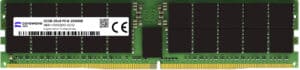
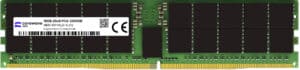
| Supermicro | 32GB | DDR4-3200 | UDIMM | |||||
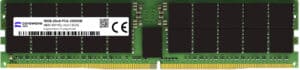
| Supermicro | 32GB | DDR4-3200 | UDIMM | |||||
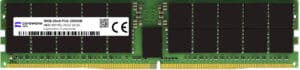
| Supermicro | 32GB | DDR4-3200 | UDIMM | |||||
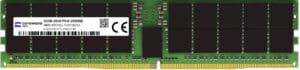
| Supermicro | 32GB | DDR4-3200 | UDIMM | |||||
| Supermicro | 32GB | DDR4-3200 | UDIMM | |||||
| Supermicro | 16GB | DDR4-3200 | UDIMM | |||||
| Supermicro | 16GB | DDR4-3200 | UDIMM | |||||
| Supermicro | 32GB | DDR4-3200 | UDIMM | |||||
| Supermicro | 16GB | DDR4-3200 | UDIMM | |||||
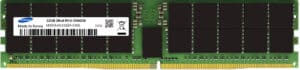
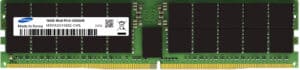
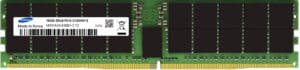
| Samsung | 32GB | DDR4-3200 | UDIMM | |||||
| Samsung | 16GB | DDR4-3200 | UDIMM | |||||
| Samsung | 16GB | DDR4-2666 | UDIMM | |||||
| Micron | 16GB | DDR4-3200 | UDIMM | |||||
| Micron | 32GB | DDR4-3200 | UDIMM | |||||
| SK Hynix | 32GB | DDR4-2666 | UDIMM | |||||
| SK Hynix | 32GB | DDR4-3200 | UDIMM |
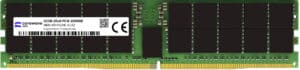
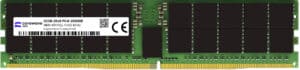
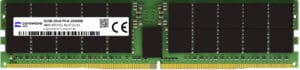
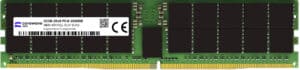
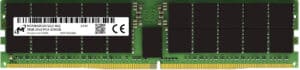
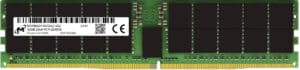
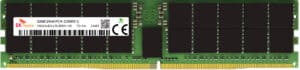
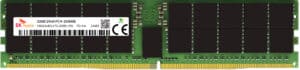
CoreWave DRAM & SSD Market Intelligence
Weekly pricing levels, stock quantities & EU/global availability on DDR4/DDR5 and Enterprise SSDs.
Manufactured by Industry Leaders
We offer memory modules manufactured by Samsung, SK Hynix, or Micron— the very same industry‐leading suppliers Dell, HPE, Lenovo relies on. This ensures each module meets high standards for performance, compatibility, and reliability, giving you genuine, equivalent quality at a competitive price.



Supermicro X12STH-LN4F Server Memory FAQs
What Types of RAM Are Supported in the Supermicro X12STH-LN4F?
- The Supermicro X12STH-LN4F supports UDIMM (Unbuffered DIMMs).
Which Memory Speeds Are Compatible With the Supermicro X12STH-LN4F?
- The server supports DDR4-2666, DDR4-2933, DDR4-3200.
- Keep in mind that if different speeds are mixed, all modules operate at the slowest DIMM speed.
What Is the Maximum Supported RAM Capacity for the Supermicro X12STH-LN4F?
- Up to 128GB (4 × 32GB) with UDIMMs.
How do I achieve the best performance for my Supermicro X12STH-LN4F?
- Populate DIMMs evenly across all channels and use the highest supported speed compatible with your CPU.
What is UDIMM?
- UDIMM (Unbuffered DIMM): Unbuffered DIMMs do not include a register or buffer, meaning they communicate directly with the memory controller. While they offer lower latency compared to RDIMMs and LRDIMMs, UDIMMs are typically used in desktops or workstations rather than servers, as they cannot support high memory capacities or intensive workloads.
General DIMM Population Guidelines for Supermicro X12STH-LN4F
- Do Not Mix UDIMMs
- If mixing memory speeds, all DIMMs will operate at the lowest speed.
- Install DIMMs starting furthest from the processor.
- Populate DIMMs evenly across all channels.
- Ensure all CPUs have memory installed for their DIMM slots to function.
Supermicro X12STH-LN4F Memory Installation Steps
- Power Off the server and disconnect it from power.
- Wear ESD Gear: Use an ESD wrist strap and work in an ESD-safe environment.
- Open the server and locate the DIMM slots.
- Inspect the slots for dust or debris and ensure proper alignment of the DIMMs.
- Follow the DIMM population order in the server manual.
- Firmly insert DIMMs until they click. Avoid using excessive force.
- Close the server and reconnect power.
- Verify the memory configuration in the BIOS.